
Quick answer
Missed call text back automatically sends an SMS to any caller you couldn't answer — usually within seconds — so they don't hang up and dial a competitor. Instead of a dead-end voicemail, the caller gets a text like "Sorry we missed your call — how can we help?" and the conversation continues by text. With Rinqly, missed call text-back is built in alongside the AI receptionist, on plans from $49/month.
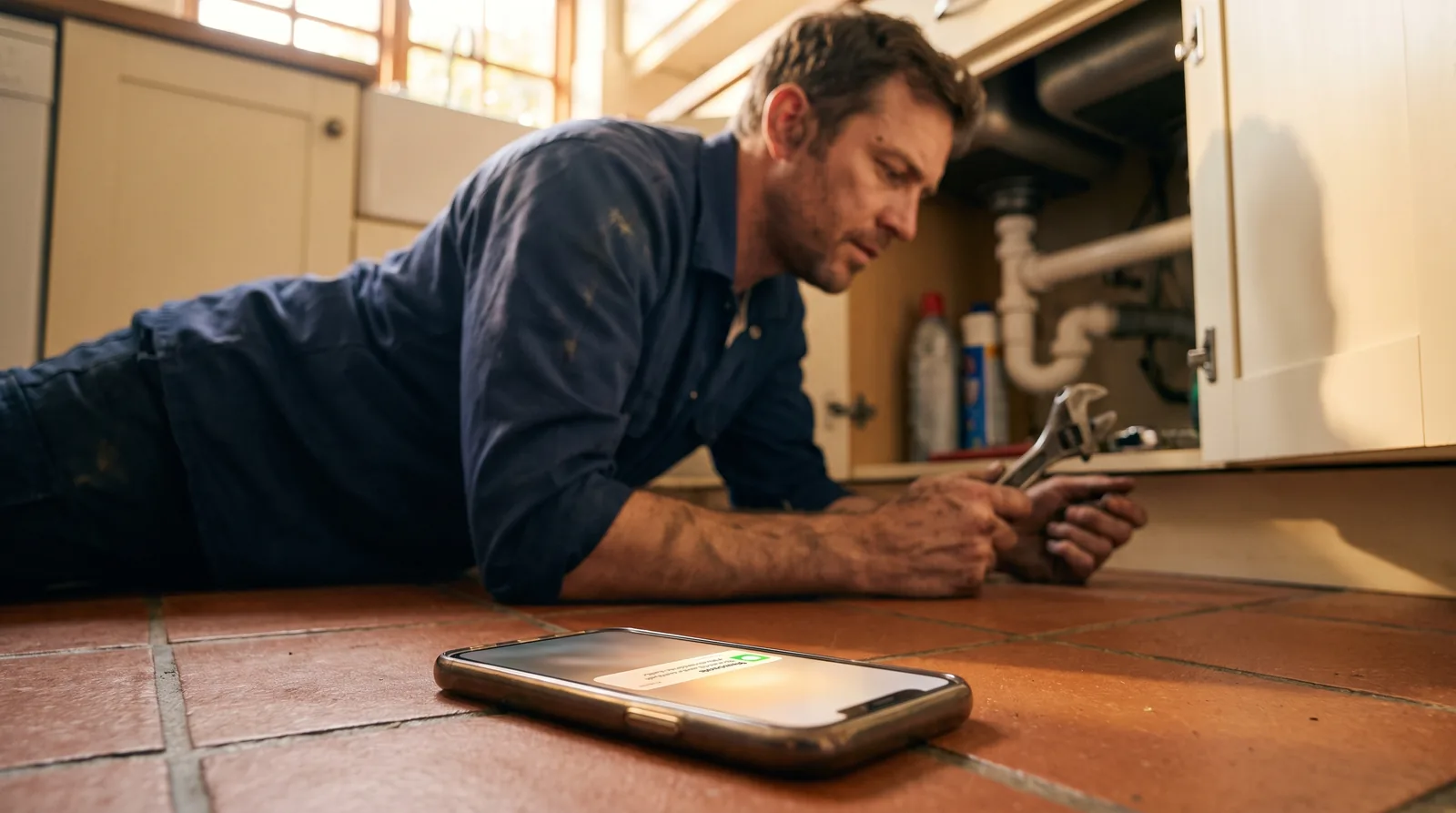
Your phone rings while you're with a customer, up a ladder, or closed for the night. The caller hears ringing, gives up, and dials the next business on the list. Missed call text back stops that from happening: the moment a call goes unanswered, an automatic text message goes out to the caller — before they've had time to call your competitor. This guide covers what missed call text back is, how it works, what your message should say, and how to turn it on.
What is missed call text back?
Missed call text back (also called missed call text-back service or automatic text back) is a feature that detects when an incoming call goes unanswered and immediately sends the caller a pre-written SMS from your business number. The text acknowledges the missed call, tells the caller you're a real business that cares, and gives them an easy way to continue — by replying to the text or getting a call back.
It matters because callers rarely give you a second chance. Roughly 62% of calls to small businesses go unanswered — a 411 Locals study of 85 businesses across 58 industries found only 37.8% of calls were answered live. Of the callers who hit voicemail, about 80% don't leave a message, and about 62% of them contact a competitor instead. A text that arrives within seconds interrupts that chain: instead of silence, the caller gets an instant response.
How does missed call text back work?
- A call goes unanswered. You're busy, it's after hours, or the caller hangs up before you can pick up.
- The system detects the missed call on your business number automatically — no action needed from you.
- An SMS goes out within seconds, using your custom template — for example: "Hi! Sorry we missed your call. How can we help?"
- The caller replies or calls back, and the conversation continues instead of ending at a dead line.
With Rinqly the order is slightly different — and better: the AI receptionist answers the call first, 24/7, so far fewer calls are missed at all. Text-back acts as the safety net for the rest, like callers who hang up before the AI picks up. You can also enable warm callbacks, where the AI automatically calls missed callers back.
Missed call text back vs. voicemail vs. calling back later
| Voicemail | Calling back later | Missed call text back | |
|---|---|---|---|
| Response time | None (waits for caller) | Minutes to hours | Seconds, automatic |
| Caller experience | Poor — most hang up | Depends on how fast you are | Instant acknowledgment |
| Works after hours | Records only | No | Yes |
| Effort from you | Checking messages | Manual, every time | None — fully automatic |
| Risk of losing the lead | High | High if slow | Low |
Voicemail relies on the caller doing the work; calling back relies on you being fast. Text-back is the only option that responds instantly with zero effort — and it stacks with both. For the full revenue picture, see the true cost of missed calls or run your own numbers in the ROI calculator.
What should your missed call text say? (examples)
A good text-back message is short, names your business, and gives the caller one clear next step. Three templates you can copy:
- General: "Hi! Sorry we missed your call to [Business Name]. How can we help? Reply here or call us back at [phone]."
- Appointment business: "Hi, this is [Business Name] — sorry we missed you! Want to book or reschedule an appointment? Reply here and we'll get you set up."
- Emergency service: "Sorry we missed your call to [Business Name]. If this is urgent, reply URGENT and we'll call you right back. Otherwise, tell us how we can help."
Keep it under 160 characters where you can, always identify your business, and never send more than one automatic text per missed call — one helpful message wins the caller back; three feel like spam.
How to set up missed call text back with Rinqly
If you use Rinqly, there's nothing to install — missed call text-back is built into the platform:
- Open your dashboard and go to Settings → Missed Call Text-Back.
- Toggle it on and edit the message template so it sounds like your business.
- Optionally enable warm callbacks, so the AI also calls missed callers back automatically.
Because Rinqly's AI receptionist answers calls 24/7 in the first place, text-back becomes your second line of defense rather than your only one: the AI books the appointment on the call, and the rare missed caller still gets an instant text. Plans start at $49/month, with website chat and outbound calling available as add-ons on the same agent.
Which businesses benefit most?
Any business whose team physically can't reach the phone wins the most: HVAC and plumbing companies with technicians on job sites, auto repair shops where hands are busy, dental clinics whose front desk is with patients, and salons mid-appointment. If a missed call means a lost booking in your industry, text-back pays for itself with the first caller it saves.
The bottom line
Missed call text back turns your worst phone moments — the calls you couldn't answer — into saved conversations, automatically. On its own it's a strong safety net; combined with an AI receptionist that answers every call in the first place, it means virtually no caller ever hits a dead end. Start free with Rinqly and turn both on in minutes.